
Plema
Who were you always meant to be?
Upload a photo, choose a world, and let Plema reveal a version of you that feels complete, recognizable, and emotionally true.
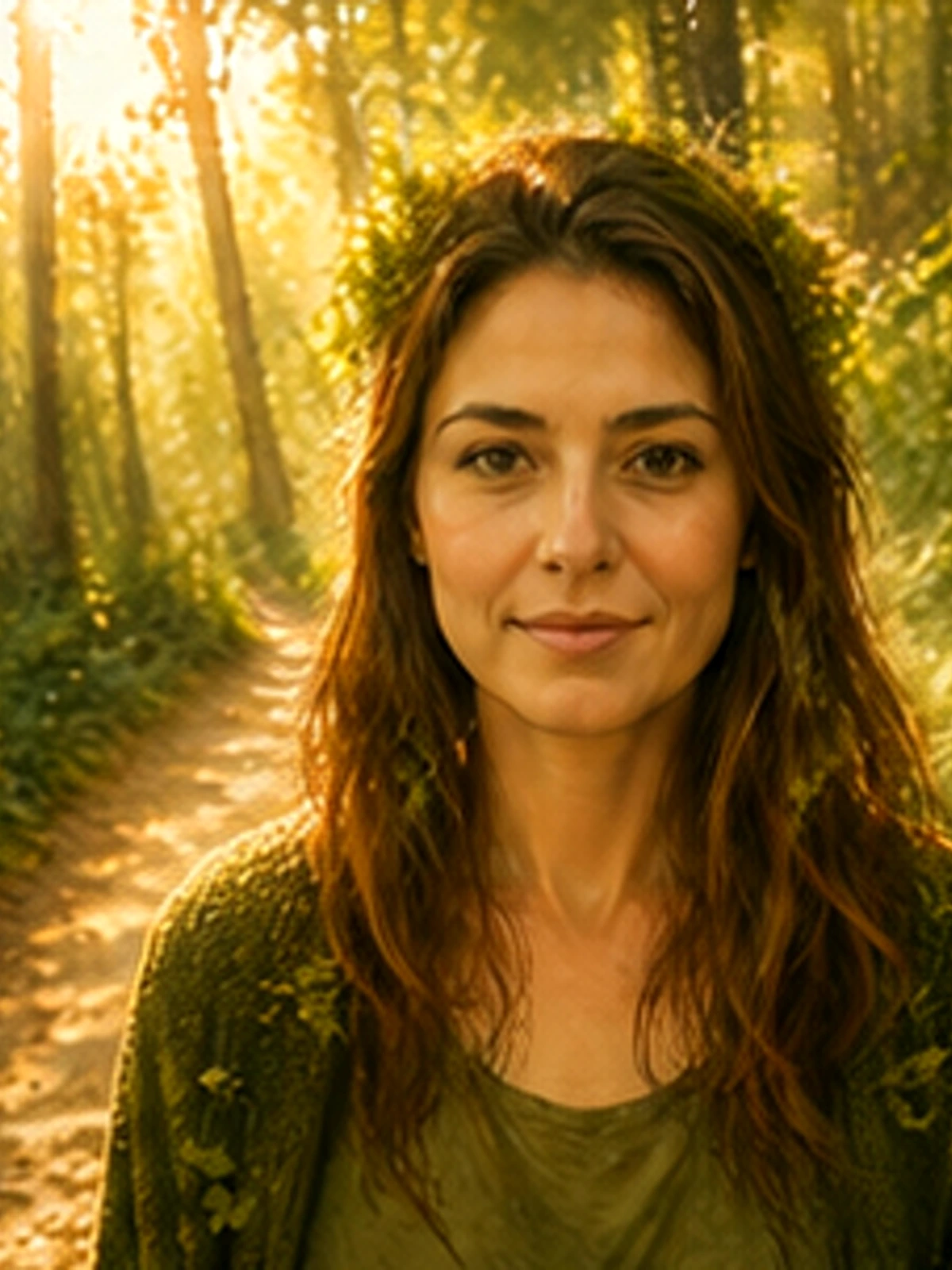
Ethereal
The Forest Spirit
You were always the girl the forest recognized.
Worlds
Choose your world
Plema is organized around emotional territories first, so choosing a look feels like entering a world instead of scanning a filter menu.
4 styles
Ethereal
Warm, dreamlike, held. Like seeing yourself through watercolor and morning light.
Enter Ethereal4 styles
Fierce
Electric, unapologetic, dangerous. The version of you that fears nothing.
Enter Fierce4 styles
Timeless
Refined, cinematic, precious. As if you always belonged in a painting that outlives centuries.
Enter TimelessTemplates
Start with a template
These templates are the fastest path from a single portrait to a finished Plema image with a clear mood, palette, and story.
ethereal style
The Forest Spirit
You were always the girl the forest recognized.
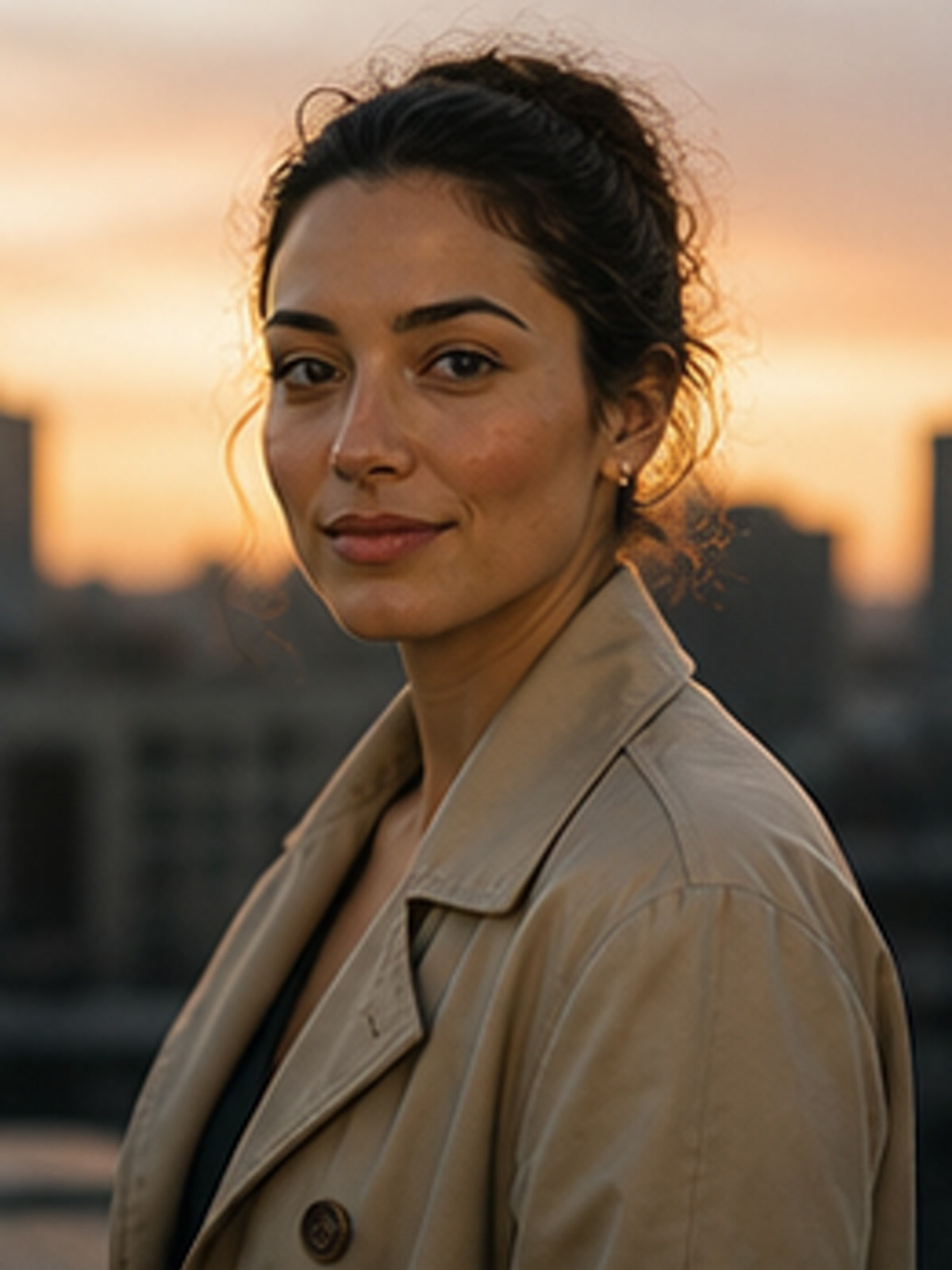
ethereal style
Watercolor Dawn
Painted in the colors of your softest morning.
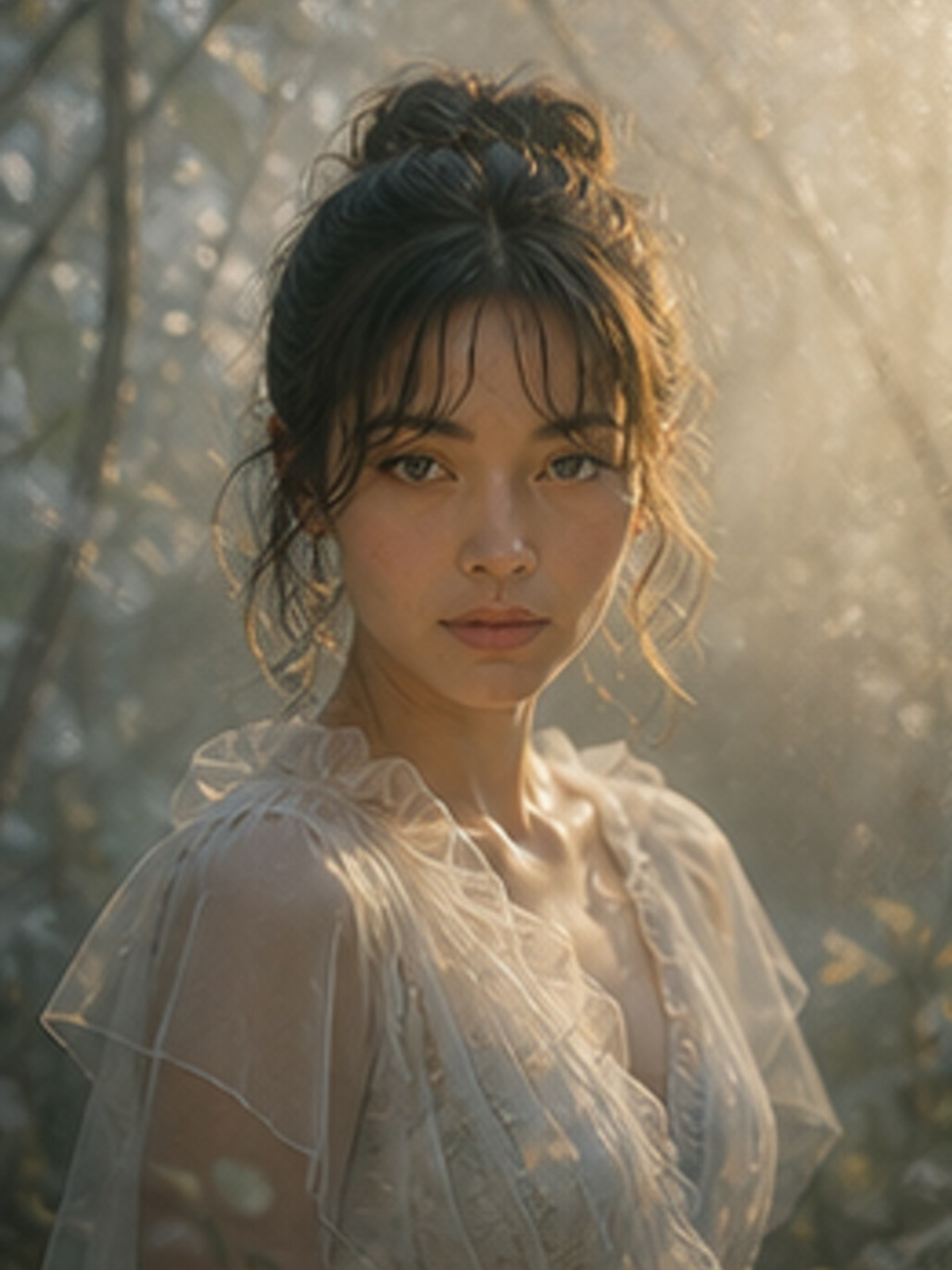
ethereal style
Soft Film
The version of you that lives in a quiet Japanese film.
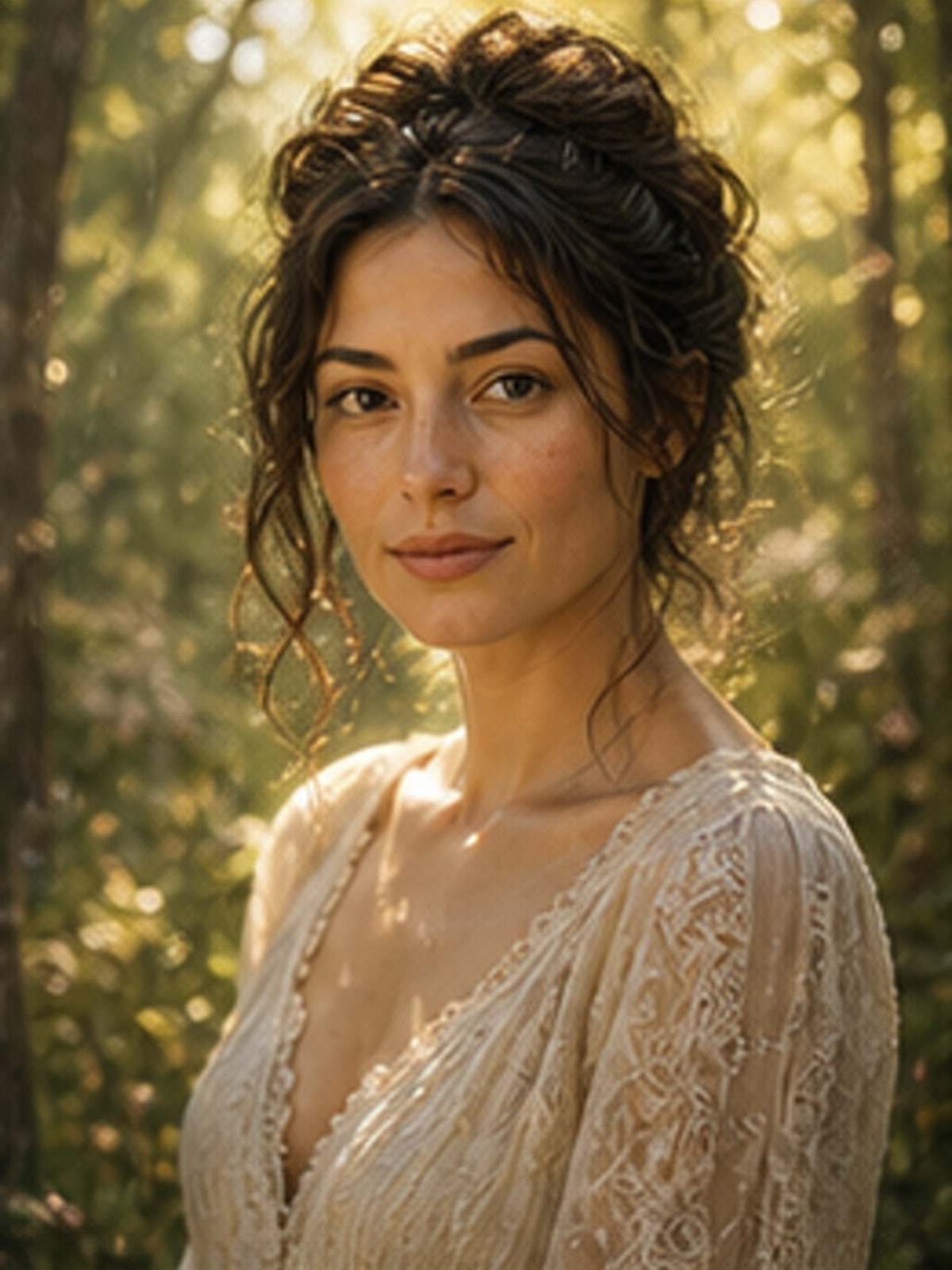
ethereal style
Fairytale Heroine
Once upon a time, she was you.
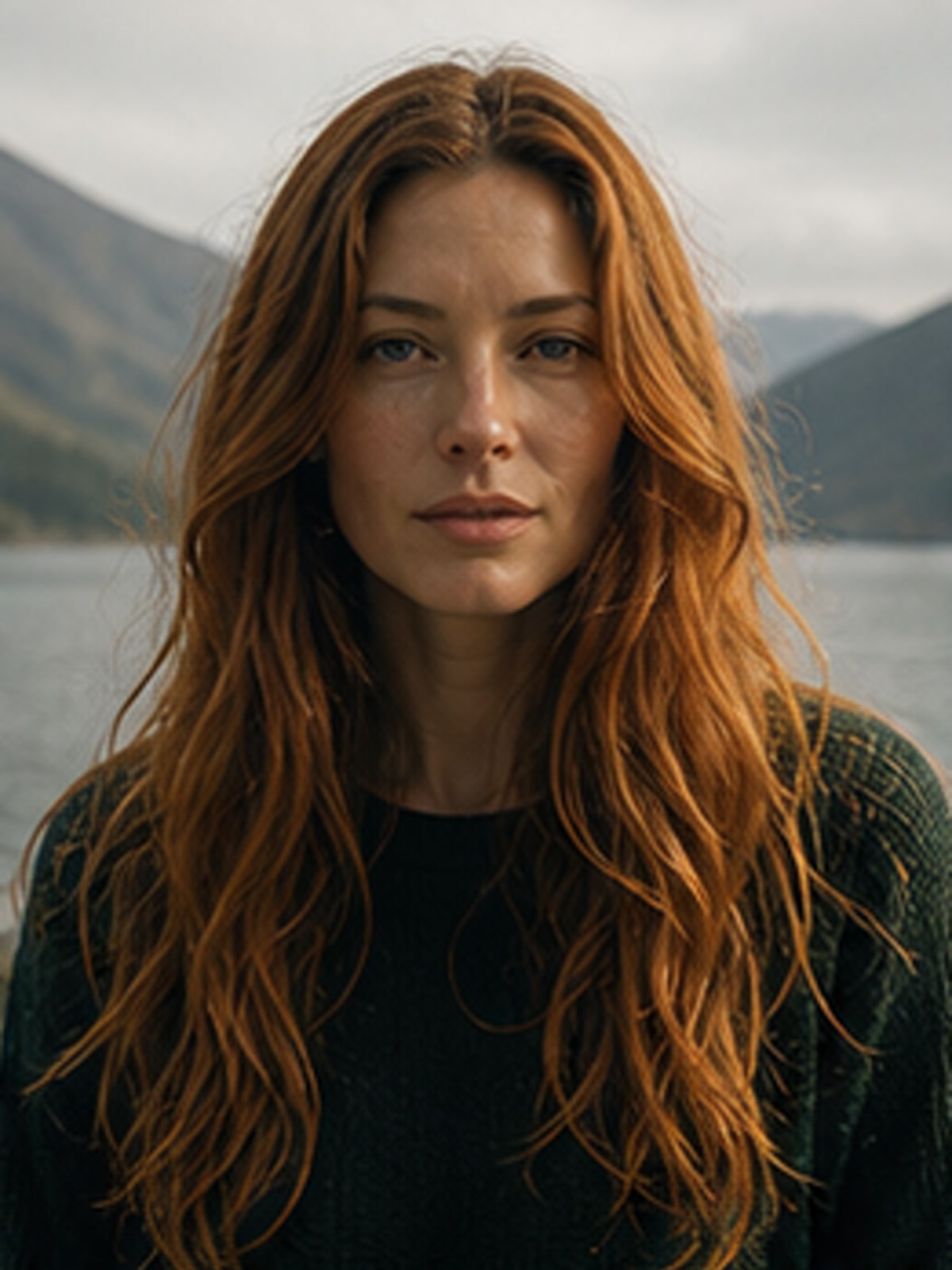
fierce style
Neon Sovereign
The city was always yours after midnight.
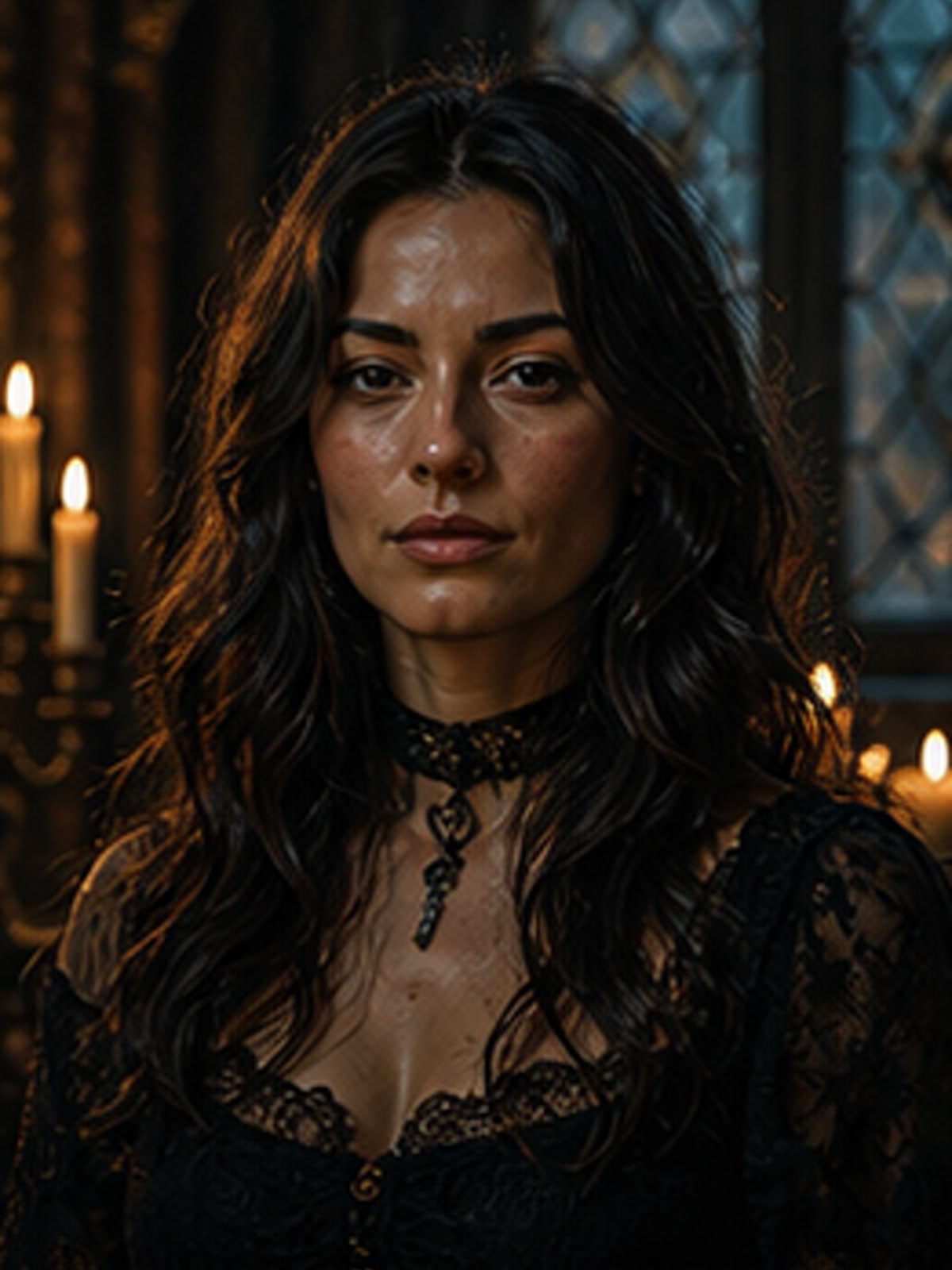
fierce style
Dark Fantasy Queen
She ruled the world they said didn’t exist.
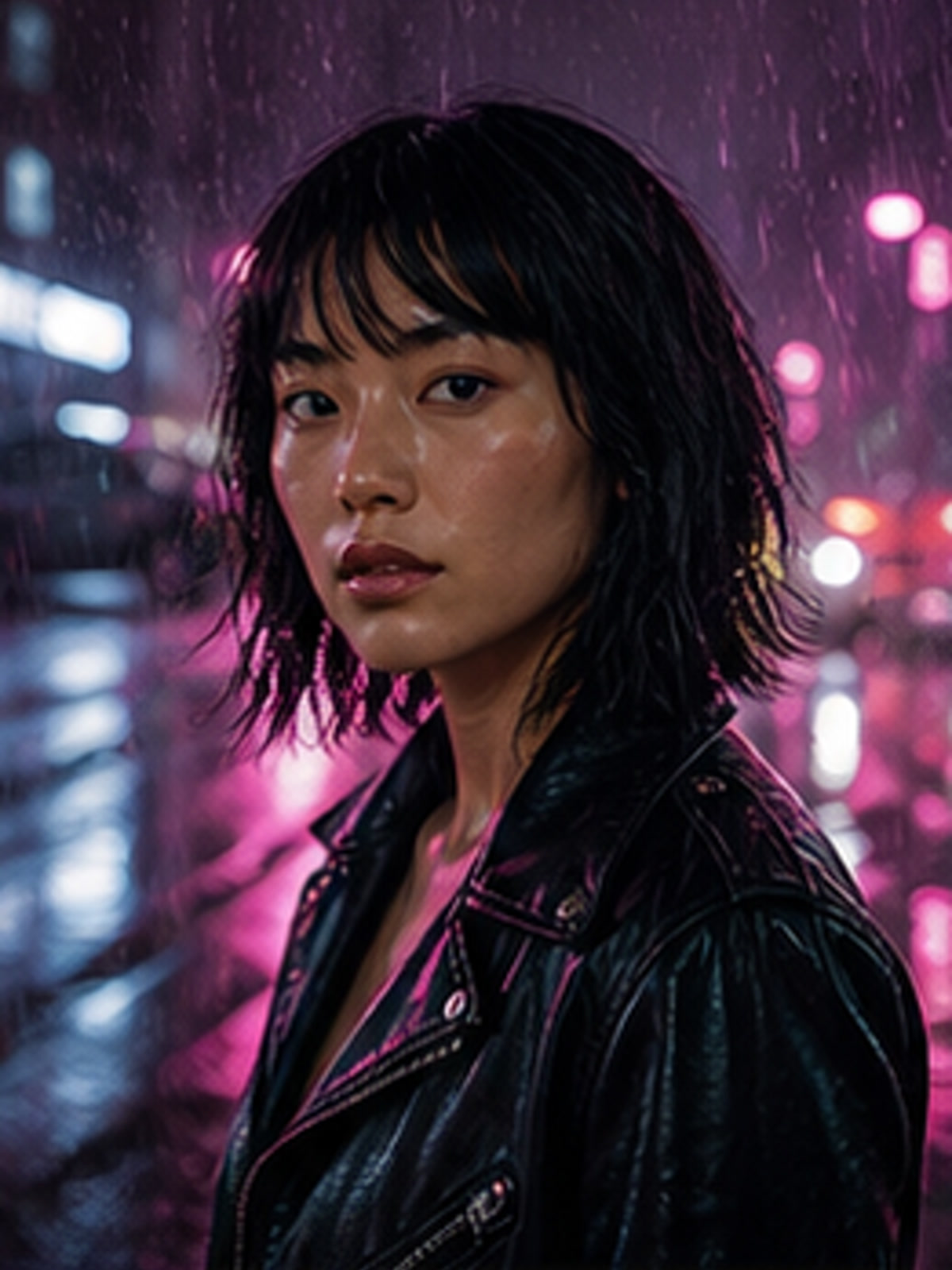
fierce style
Gothic Heroine
Beautiful, ancient, and completely untamed.
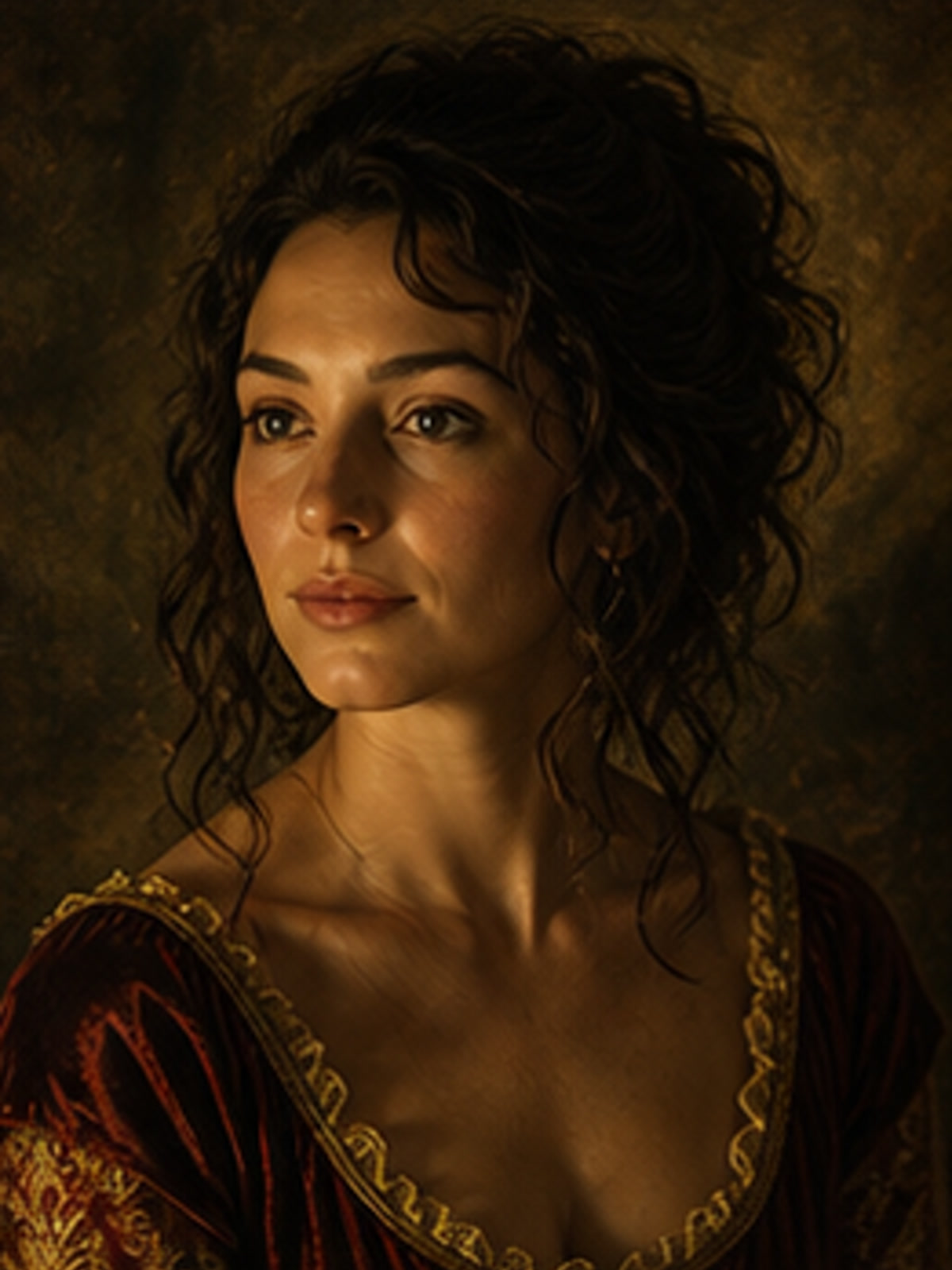
fierce style
Samurai Soul
Strength was never the absence of softness.
Tools
Tools for quick fixes
Utility pages bring search users into Plema without flattening the brand: solve the image task first, then move into worlds and styles.
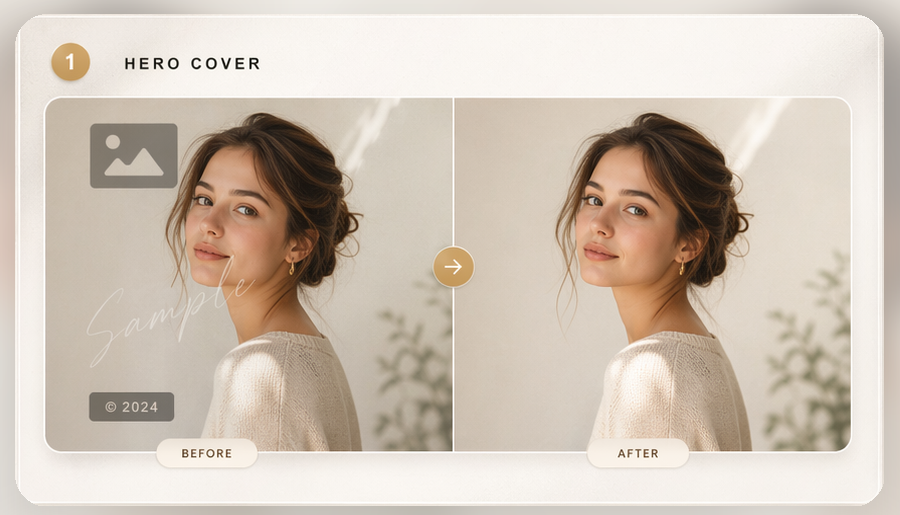
One-click cleanup
AI Watermark Remover
Upload a photo and remove watermarks, logos, stickers, and timestamps with AI cleanup that keeps texture, edges, and lighting intact.
Open toolModels
More direct control
Model pages stay available for users who know what they want to prompt or tune.
Flow
How Plema works
The flow is intentionally simple, with each step doing one job and keeping the person at the center of the result.
Choose a world
Start from Ethereal, Fierce, or Timeless so the mood is clear before generation begins.
Upload one photo
Use a clear portrait. Plema keeps the subject recognizable while the world forms around them.
Save or keep exploring
Download the finished image, try another template, or move deeper into related styles.
FAQ
Questions
Clear answers for first-time users before they choose a world or start a transformation.
Is Plema a generic AI image generator?
No. Plema is organized around identity-first worlds and style templates, with utility tools kept separate for specific image tasks.
Will the result still look like me?
The core style templates are designed to preserve the subject while changing light, atmosphere, texture, and setting.
Where should I start?
Start in the homepage creation dock if you already have a photo, or enter a world if you want to browse emotionally before choosing a template.
Begin
Step into your Plema.
One photo. One world. One reveal that feels less like a filter and more like recognition.
Explore worlds